
Powered by Proxima & Tactus Technology
Scan. Watch. Engage.
Tap Active Kiosk delivers instant, touchless product demos without staff. Visitors scan a Proxima tag or press a Tactus button to watch videos about your products — self-service engagement that works while you network.
- <1s
- Playback start
- 4K
- Resolution
- 3x
- More engagement
- 100%
- Offline capable
How It Works
Zero apps. Zero touchscreens. Zero friction.
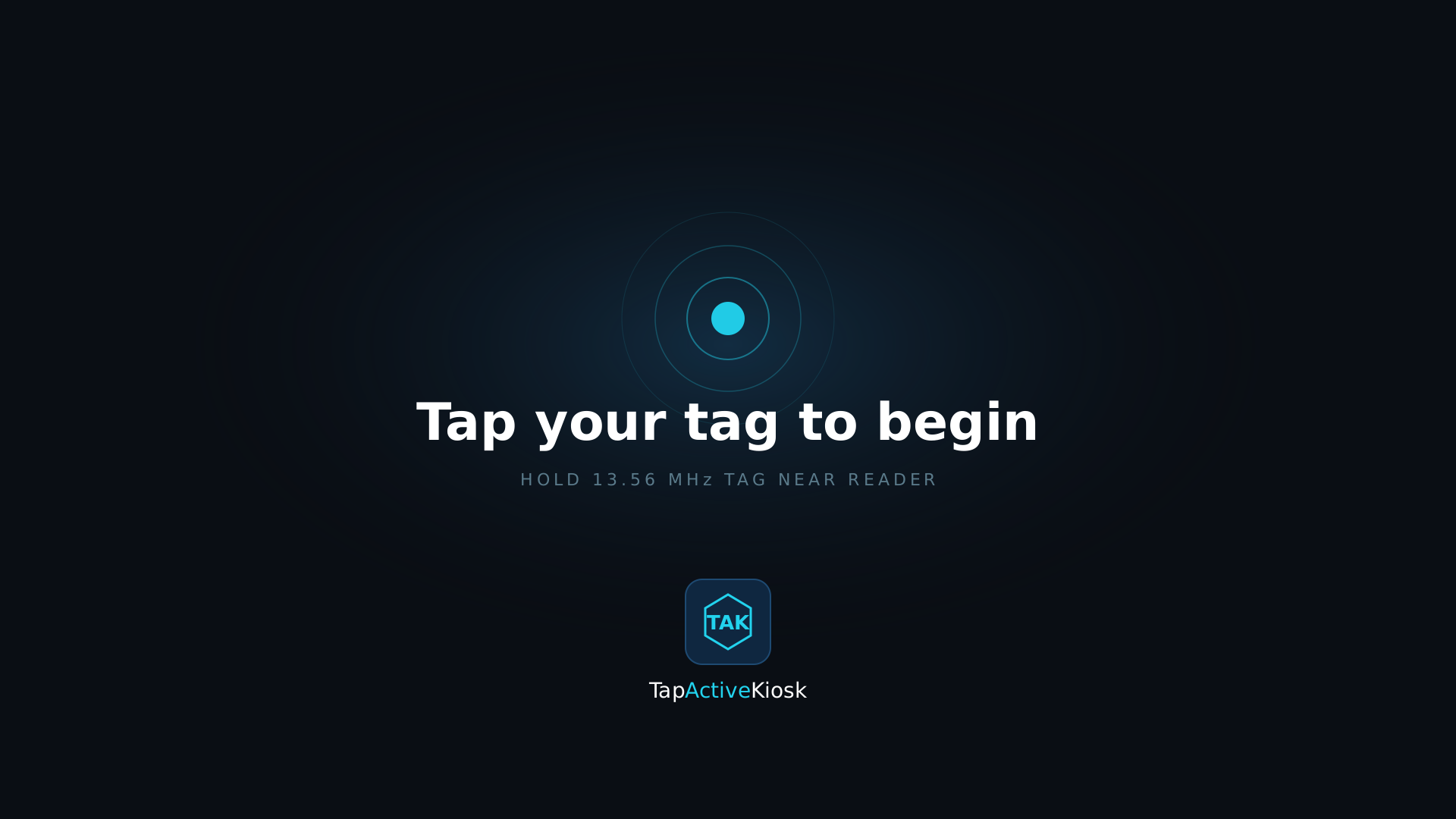
Scan or press
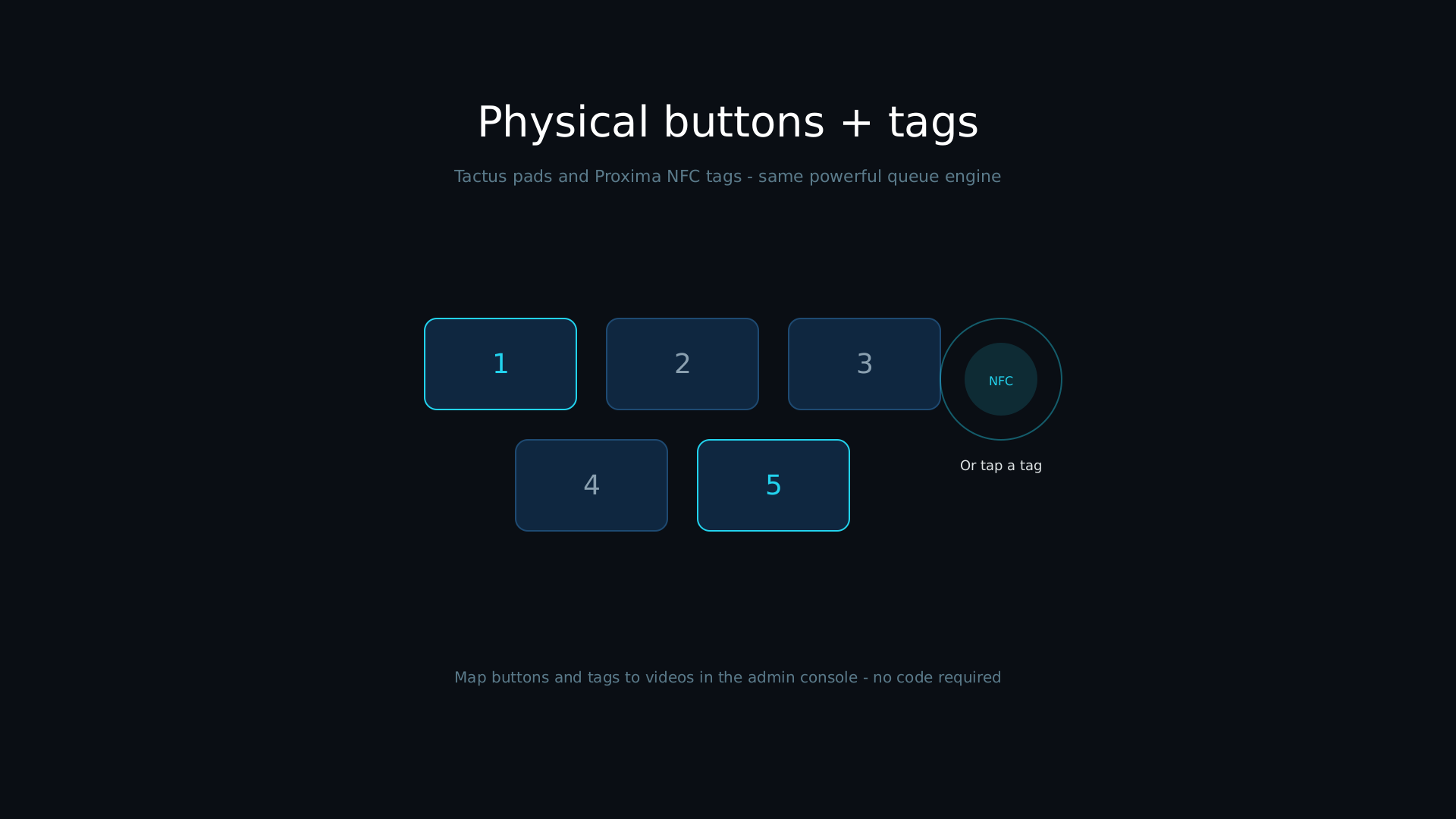
Attach Proxima tags to products, samples, or exhibit items — or mount Tactus buttons on your display.
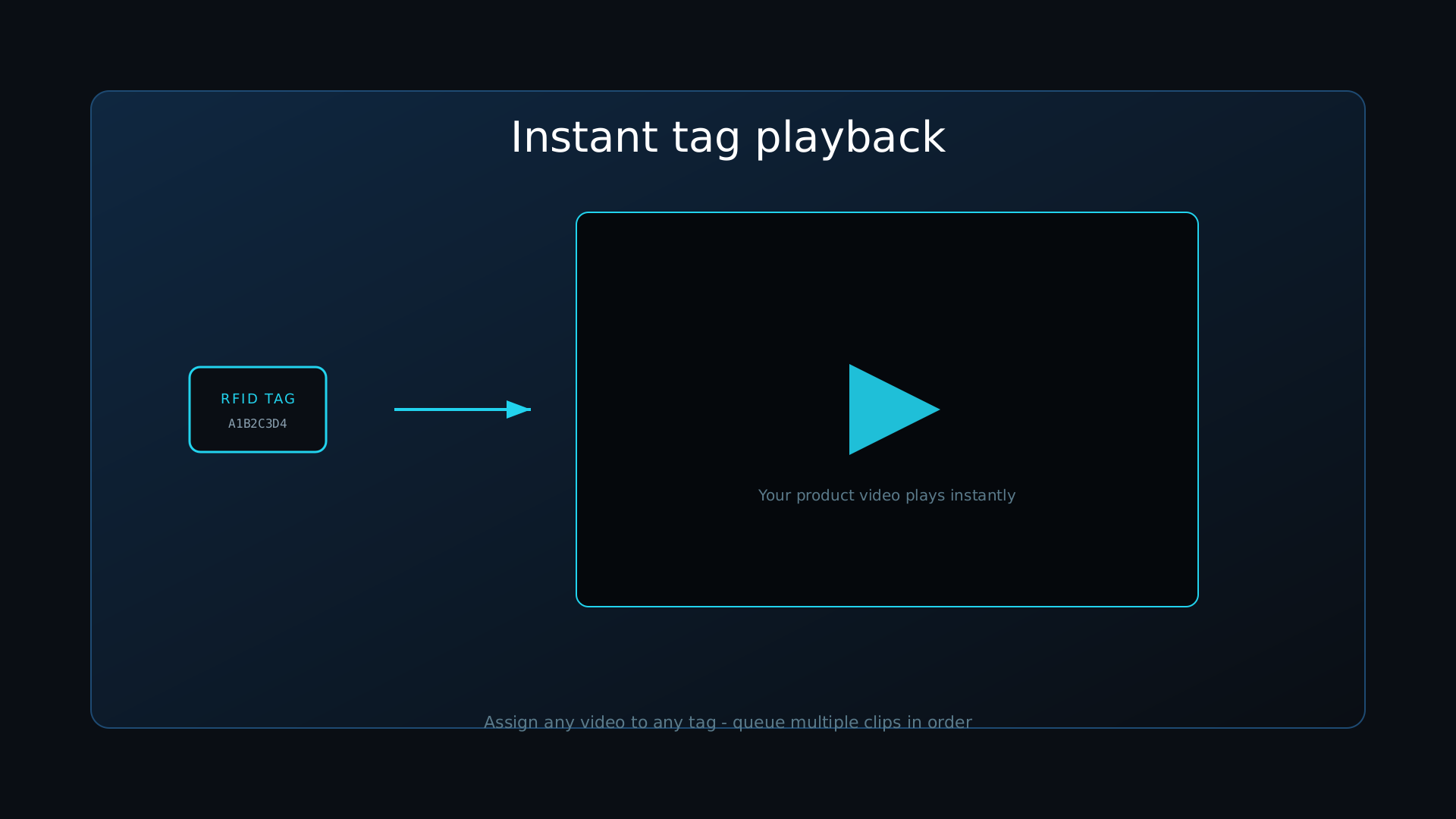
Video plays instantly
The associated video plays fullscreen in 4K in under a second. Multiple triggers queue automatically.
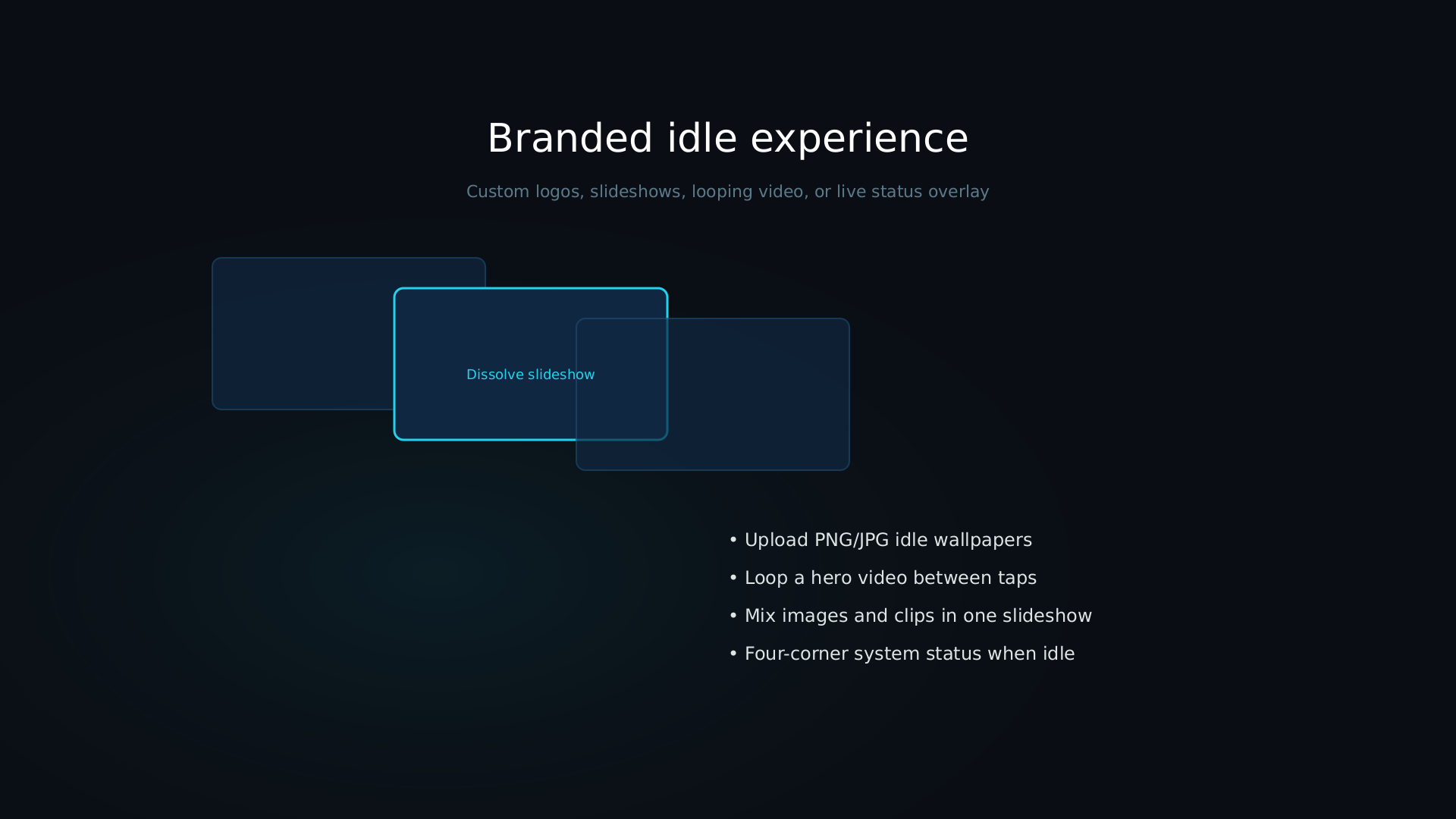
Returns to idle
When playback finishes, the display returns to an eye-catching idle loop, ready for the next visitor.
See It In Action
A quick look at Tap Active Kiosk
Features
Everything you need to engage more visitors
Instant Playback
Video starts in under one second. No buffering, no waiting, no friction. Visitors scan and watch immediately.
4K Resolution
Crystal-clear video on any display up to 4K. Make your products look as good on screen as they do in person.
Web Admin Console
Manage everything from your phone or laptop. Upload videos, assign tags, monitor status — no software to install.
Offline Operation
Works without internet after initial setup. No dependence on unreliable venue WiFi.
Queue Management
Multiple visitors? Multiple scans? Videos play in order. Everyone sees their position in the queue.
YouTube Integration
Download videos directly from YouTube through the admin console. No file transfers needed.
Use Cases
Built for wherever visitors need engaging
Trade Shows
Attach tags to product samples. Visitors explore at their own pace.
Retail
Interactive product education without staff intervention.
Museums
Rich multimedia exhibits without apps or downloads.
Corporate
Welcome videos, company showcases, training content.
Why Tap Active Kiosk
A better fit than the alternatives
vs. iPad Kiosks
- Touchless & hygienic
- More durable in the field
- 4K resolution
- No app required
vs. Digital Signage
- Interactive, not passive
- Self-service by design
- Targeted content per product
- Trackable engagement
Pricing
Hardware + support pricing
One hardware order, one annual subscription per system. No tiers, no per-play fees.
Hardware
$1,999.99Starter Kit
- Control unit (mini PC, pre-configured)
- Power cable + HDMI cable
- Proxima reader (RFID/NFC)
- 20 stick-on Proxima tags
Required to operate
Support Subscription
$2,000per year, per system
- Main-unit license
- Support
- Software patches & updates
- Tag/button licenses included permanently at purchase — no renewal fee
Licenses are hardware-locked. Find your Hardware ID on the device's admin console under Settings → License.
An active Support Subscription is required for the system to operate. New appliances include a 3-day installation trial.
FAQ
Common questions
Does it need an internet connection?
No. Tap Active Kiosk operates completely offline after initial setup, so it isn't dependent on unreliable venue WiFi. The admin console and license activation need a brief connection, but playback runs fully local.
What tags and buttons are supported?
The Proxima module reads 13.56 MHz NFC tags (MIFARE, NTAG, ISO 14443) over USB HID. Tactus buttons connect wirelessly through the Tactus Module USB receiver, with a guided pairing wizard in the admin console.
Can I use my own branding?
Yes. The Branding tab in the admin console lets active subscribers customize the idle screen, boot splash, and console appearance.
Are licenses tied to specific hardware?
Yes, licenses are hardware-locked. Your device's Hardware ID is shown in the admin console under Settings → License — enter it at checkout and your license key is generated and emailed to you automatically, ready to activate on that device.
How long does setup take?
About 30 minutes. Connect HDMI and power, join the setup hotspot, and follow the in-browser setup wizard to upload videos and assign tags or buttons.
Is there a trial period?
Every new appliance ships with a 3-day evaluation trial (1 Proxima tag + 1 Tactus button) so you can test the system before activating a paid license. An active subscription is required to keep using the system after the trial ends.
Engage more visitors. Capture more interest. Close more deals.
Contact
Talk to sales
Questions before you buy, or need a quote for a larger deployment? Send us a message.